
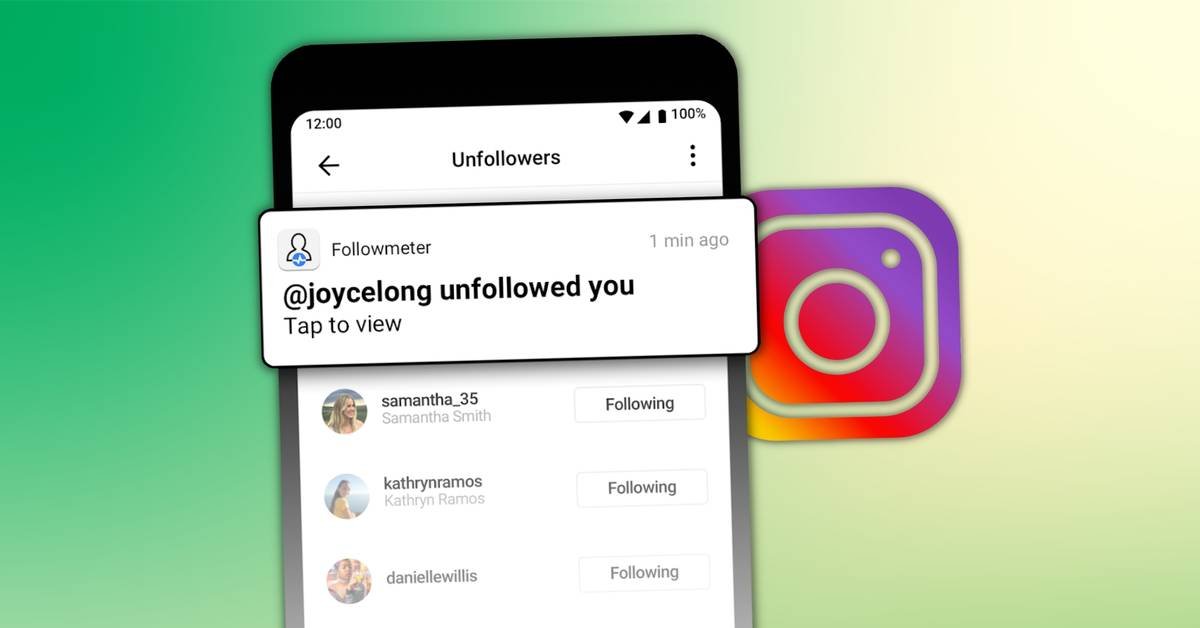
To see who unfollowed you on Instagram, search your followers for a specific username or compare follower lists saved on different dates. Instagram does not provide a built-in list naming everyone who unfollowed you, and its unfollowing guidance confirms that no notification is sent. A manual search shows whether someone follows you now; an earlier record helps establish whether that changed.
Before installing anything, separate two questions: who stopped following you, and who never followed you back. They require different comparisons.
Someone missing from your current followers list is not automatically a confirmed unfollower.
Check whether someone still follows you
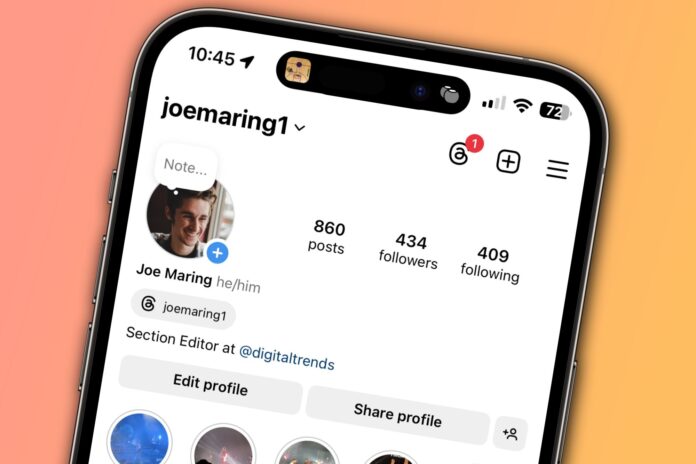
If you have one person in mind, start inside Instagram. You do not need an unfollower app for this check.
- Open your profile and tap Followers.
- Search for the exact username, checking spelling carefully.
- If nothing appears, confirm their current username before drawing conclusions.
For ongoing monitoring, secretfollowers.com advertises public-account tracking without an Instagram password, with subscriptions for continued monitoring. These are provider claims, not independently verified results. Its stated limits include incomplete named-loss reporting for large accounts; check coverage before paying.
A current search cannot tell you when somebody left. If you have no earlier evidence that they followed you, the accurate conclusion is simply that they are not listed now. Avoid treating that result as proof of a recent decision.
Compare Instagram follower lists without an app
For broader checks, use the official option to export your Instagram information. Menu labels can vary.
- Open settings, then Accounts Center or Meta Account.
- Select Your information and permissions, then Export your information.
- Choose Create export, select your Instagram profile, then Export to device.
- Customize the export to include Followers and following. Choose All time to avoid date filtering.
- Select HTML for browser reading or JSON for structured data, then start the export.
Save the downloaded follower list with its date. Repeat later and compare the usernames in the two follower lists, using every follower file if the export contains several.
Usernames present earlier but absent later are candidates to investigate. This comparison identifies a change between snapshots, not its exact time or cause. One fresh download cannot reconstruct an unfollow history you never saved.
Read the results before trusting an unfollower app

The comparison determines what you can reasonably conclude. A tool labeled “unfollowers” may only compare the people you follow with your current followers.
| Comparison | What it shows |
| Current following against current followers | Accounts that do not follow you back |
| Earlier followers against later followers | Usernames missing since the earlier snapshot |
| Earlier total against later total | Net change, without identifying individual accounts |
None of these comparisons explains somebody’s intentions. An unavailable or renamed account also needs checking before you label it an unfollow.
- Do not give an unfamiliar tracker your password or login codes.
- Keep exports local where possible; review data handling before uploading them.
If an app starts posting without permission, follow the official account-security steps: change your password, revoke suspicious app access and enable two-factor authentication.
Save a baseline for your next check
Start with the smallest check that answers your question. Search manually for one account; save dated exports if you need to review changes across your audience. Without an earlier list, record today’s followers as your starting point instead of paying for a promise to recover missing history.
For a business account, review losses alongside reach and engagement when assessing your Instagram performance. Record the dates of your comparisons and any posting changes during that period. That gives you something specific to examine without claiming a particular post caused somebody to leave.
Frequently asked questions
1. Does muting someone unfollow them?
No. Muting an account lets you hide selected content without ending the follow. Posts and Stories have separate controls, so muting one does not necessarily mute the other. You can change those settings later without following the account again.
2. Can someone see my posts after unfollowing?
Yes, if your account is public and you have not blocked them. With a private Instagram account, posts are limited to approved followers. Unfollowing a private account means they would need approval again to regain access to those posts.
3. Will someone know I removed them as a follower?
Instagram says people are not notified when you remove them. However, no notification does not guarantee they will never notice: checking their follow status or finding that your private posts are unavailable can reveal that the connection has changed.