

A “70% off” badge is not proof that a game is a bargain. The discount may be measured against a stale list price, the offer may be for the wrong platform, or checkout may add a fee that erases the saving. Compare the exact version and the amount you will actually pay, then decide whether buying now beats waiting.
Start with the exact game and platform
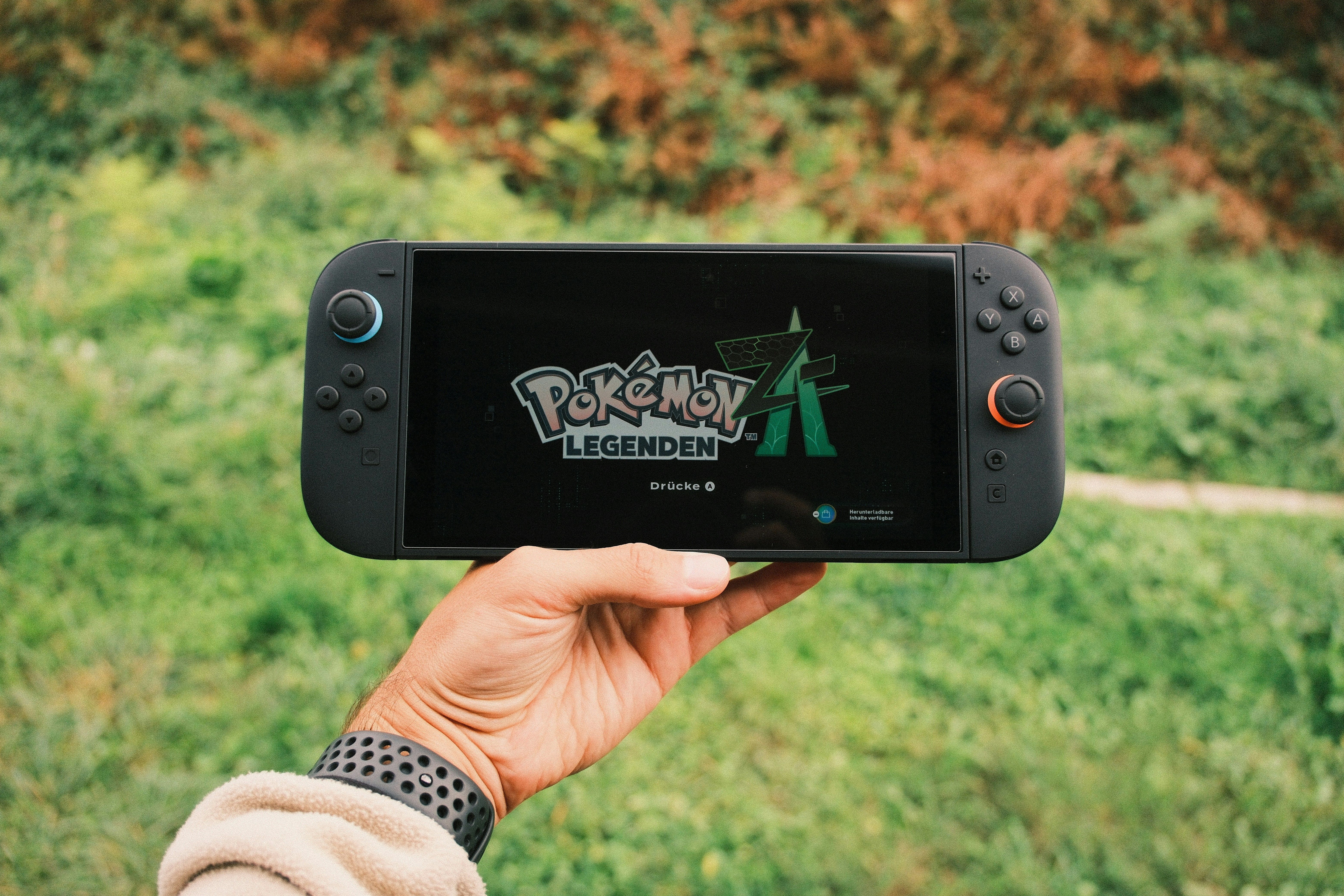
Search by the full title, then check the edition: standard, deluxe, complete, or a bundle with downloadable content. A lower price for the base game is not comparable to a higher price that includes expansions. Check the platform and device too. A PC key for one launcher will not necessarily activate on another, and a console listing may be restricted to a particular console generation.
Also read the store page for region or activation limits. Before considering cheap game keys, make sure the listing names the right platform, region, and edition; a code that cannot be redeemed on your account is no deal at any price.
Use a price tracker, but question the “lowest”

A comparison tool can quickly show prices across stores, and a history chart helps you see whether today’s offer is unusually low or a discount that returns often. One useful starting point is IsThereAnyDeal’s list of covered shops: it says it covers stores it considers authorized and describes checking how keys are sourced. Still open the retailer’s own product page before buying. A tracker’s lowest price is historical context, not a promise that the same offer is available now in your country.
Set a personal target price instead of chasing the biggest percentage. If a game regularly falls near your budget, a wishlist alert can save time; if it is a new release you want to play now, the fair comparison is between today’s available options, not a theoretical all-time low.
The checkout price is the real price
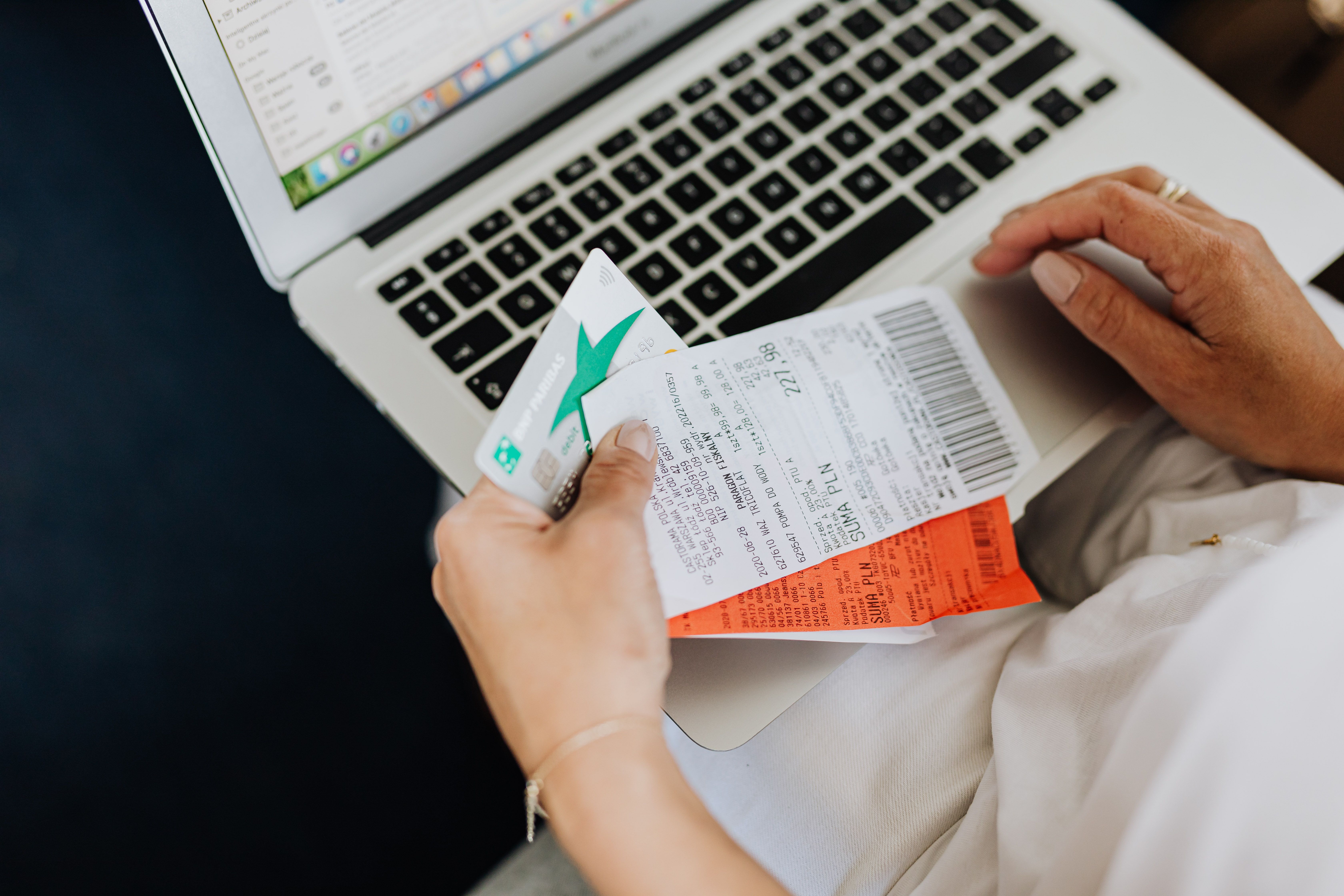
Add any required tax, delivery for physical copies, currency conversion, and payment or service fees. Apply a coupon only if its terms fit your order. Then compare the final totals side by side. This is the part people skip: a small gap between stores can disappear once fees are included, while a digital purchase may be cheaper but offer less convenient returns than a local physical copy.
Refund rules matter because price is not the only form of risk. Steam’s published policy generally allows a request within 14 days if the game has been played for less than two hours; the rules do not automatically cover purchases made outside Steam. Read the store’s own refund policy before treating a third-party code as equivalent to a direct store purchase.
Make a quick, repeatable decision
For each offer, note four things: exact edition, platform and region, retailer, and checkout total. Check whether the seller is the store itself or a third party, and whether the listing clearly explains redemption and returns. Our earlier guide to how price-comparison websites help shoppers covers the broader habit; for games, compatibility and activation details deserve extra attention.
My rule: choose the lowest price among listings you can verify and actually use, not the lowest number on a results page. If the saving is tiny and the seller, refund terms, or activation region are unclear, buying directly from a platform you trust is a reasonable premium. A few minutes of checking can prevent paying for a code that sits unused in your library.
How to compare: Check the product and platform details, compare the current offer with its price history, verify the seller, and use the final checkout total. Store prices and policies change, so confirm them on the retailer’s page before purchasing.