
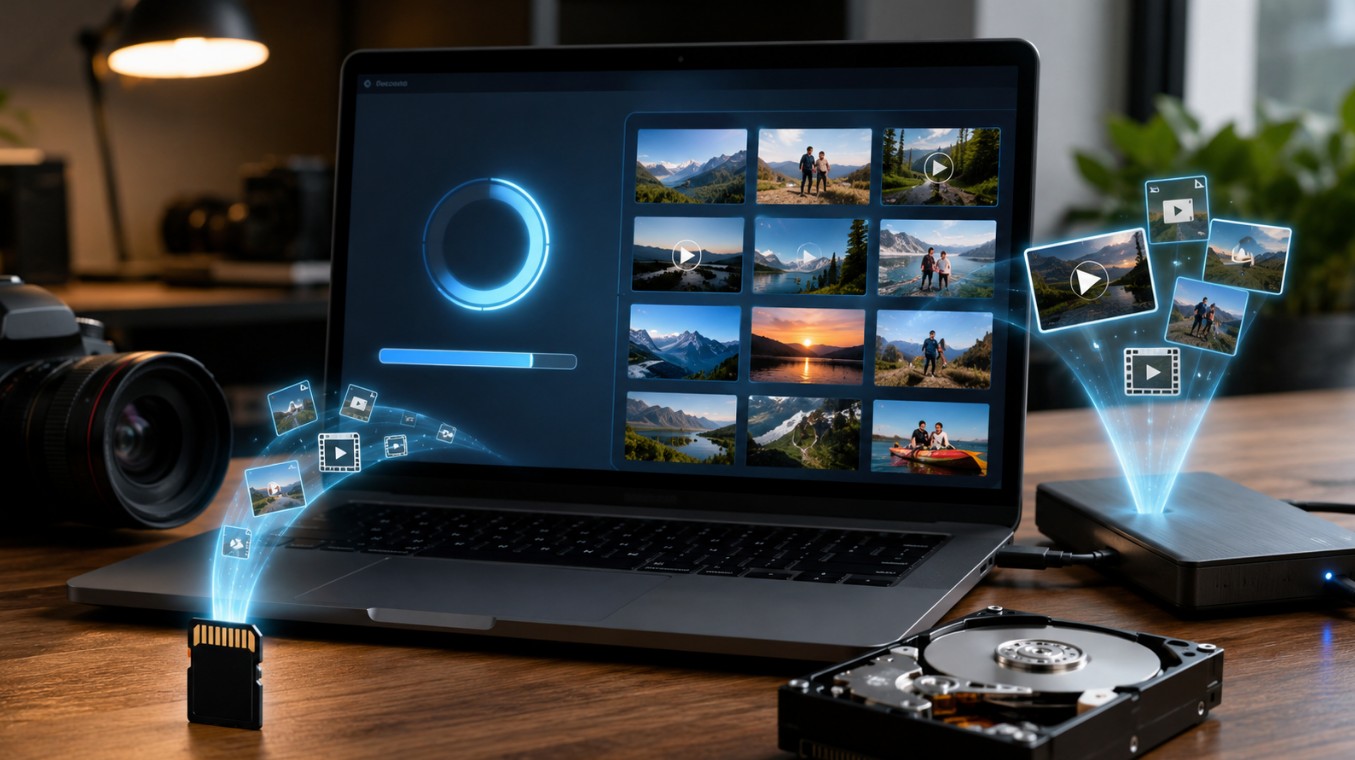
Losing photos or videos still feels awful in 2026, even with cloud backups everywhere. One accidental format, a corrupted SD card, or a failing hard drive can wipe out years of memories in seconds. The good news is that deleted files are often still recoverable if you act quickly and avoid overwriting the storage device.
Modern recovery software has improved a lot in the last few years. Tools now support larger SSDs, RAW camera files, 4K and 8K footage, encrypted drives, and even damaged partitions. Still, the recovery process works best when you understand what to do immediately after data loss.
Why are deleted files often recoverable?
A lot of people assume deleted files vanish instantly. That usually is not true. In most cases, the operating system simply marks the storage space as available for reuse. Until new data replaces it, recovery software can often rebuild the original files.
That is why the first few minutes matter so much after losing photos or videos.
Here are the most important first steps:
- Stop using the SD card or hard drive immediately
- Do not record new videos or take new photos
- Avoid copying files onto the affected drive
- Connect the storage device to a computer instead of a phone or camera
- Run a scan before attempting recovery
Important fact: recovering files back onto the same SD card can overwrite the missing data permanently. Always save recovered files somewhere else.
Choosing the right recovery software in 2026
Recovery software is not all the same anymore. Some tools are built for casual users recovering vacation photos, while others target photographers, creators, and professionals handling large media libraries.
One option that consistently stands out is Stellar Photo Recovery because it focuses specifically on multimedia recovery instead of generic file restoration. It supports recovery from SD cards, USB drives, SSDs, encrypted storage, and external hard drives while also handling many RAW camera formats.
A few features that make a difference in real recovery situations include:
- Deep scan for heavily damaged storage
- Preview mode before recovery
- Support for DSLR and drone footage
- Recovery from formatted drives
- Disk imaging for failing drives
Many newer recovery apps still struggle with large video files, especially 4K and 8K footage. Stellar performs well there according to several recent reviews.
Recovering photos from SD cards step by step
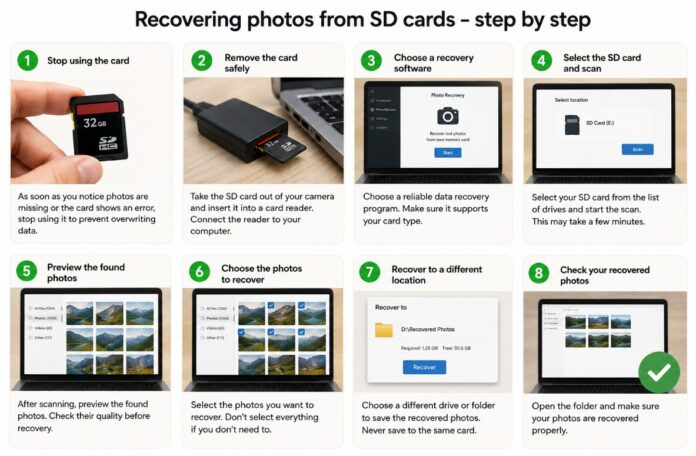
SD cards remain one of the most common sources of accidental data loss. Cameras, drones, phones, and handheld gaming devices still rely heavily on them, which means formatting mistakes happen every day.
The actual recovery process is usually straightforward if the card is physically healthy.
| Problem | Recovery chance | Recommended action |
| Accidental deletion | Very high | Stop using the card immediately |
| Quick format | High | Run a deep scan recovery |
| Corrupted file system | Medium to high | Create a disk image first |
| Physically damaged SD card | Low | Seek professional recovery |
Most recovery software follows a similar workflow. You connect the SD card, scan it, preview recoverable files, and restore them to another drive.
After scanning, take time to review the preview carefully. Sometimes duplicate versions appear, especially with damaged cards. Picking the healthiest preview can save hours later.
Did you know? Some recovery tools can rebuild partially corrupted RAW image files from cameras like Canon, Sony, Nikon, and Fujifilm.
Recovering videos from hard drives and SSDs
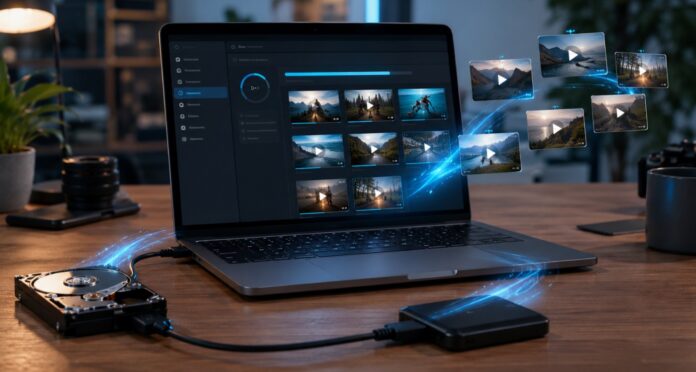
Video recovery tends to be harder than photo recovery because video files are larger and more fragmented across storage sectors. Even a small overwrite can damage playback.
Modern SSDs also introduce another complication called TRIM. Once deleted data is cleaned by the SSD controller, recovery becomes much more difficult.
That said, successful recovery is still possible in many situations, especially when the deletion was recent.
A few scenarios where recovery software still works surprisingly well:
- External hard drives were accidentally formatted
- Deleted GoPro footage
- Missing drone recordings
- Corrupted video folders
- Files lost during interrupted transfers
Recent testing from TechRadar noted that Stellar Photo Recovery performs especially well with multimedia formats and future-oriented camera formats, including VR and 360-degree footage.
One thing many people overlook is heat. Overheating external drives can begin failing silently before total breakdown happens. Strange clicking sounds, slow file transfers, or disappearing folders often appear before complete failure.
Deep scan vs quick scan explained
People often get confused by scan modes. Quick scans are faster and work best for recently deleted files. Deep scans take longer but search the drive sector by sector using file signatures.
A deep scan can recover files even when folder structures are gone.
Here is the practical difference:
- Quick scan – Good for simple deletion mistakes and recent file loss. Usually finishes in minutes.
- Deep scan – Useful for formatted drives, corrupted SD cards, inaccessible partitions, and damaged file systems. Can take hours on larger drives.
Some newer recovery tools now allow custom file signatures, too. Stellar includes this feature, letting users add uncommon media formats manually for recovery.
That becomes extremely useful for creators working with uncommon codecs, professional cinema cameras, or specialized drones.
Mistakes that reduce recovery success
Many failed recoveries happen because people panic and unintentionally overwrite their own data. Recovery odds drop fast once new files start replacing deleted sectors.
A few common mistakes deserve extra attention.
- Installing recovery software onto the damaged drive
- Saving recovered files to the same device
- Running repeated formatting attempts
- Continuing to use the camera or phone
- Ignoring early signs of drive failure
Another major mistake is waiting too long. Drives continue background operations even when idle. SSDs can especially permanently clean deleted sectors through automatic maintenance functions.
Interesting fact: professional recovery labs often create a full image copy of a damaged drive before attempting extraction because direct scanning can worsen failing hardware.
Final thoughts
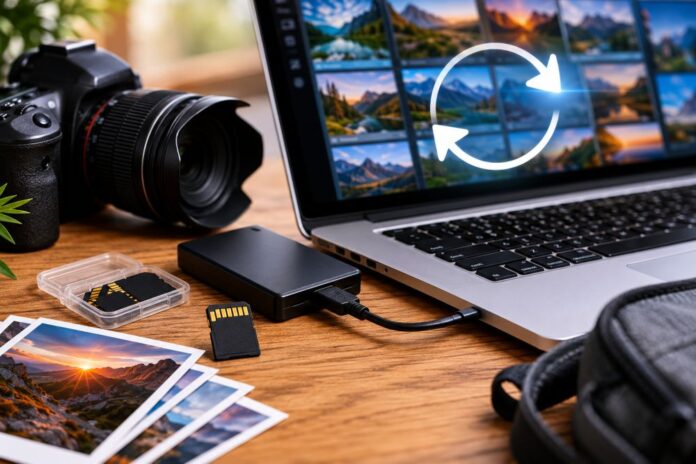
Recovering deleted photos and videos is far more realistic today than it was a decade ago, but success still depends on speed and the right approach. The moment files disappear, every action matters.
For most people, good recovery software paired with careful handling is enough to restore missing media from SD cards, SSDs, USB drives, and external hard disks. Stellar Photo Recovery remains popular because it balances beginner-friendly recovery with advanced scanning options for larger or damaged storage devices.
The best recovery strategy is still prevention. Regular backups, cloud syncing, and avoiding cheap storage cards save far more stress than any recovery tool later on.